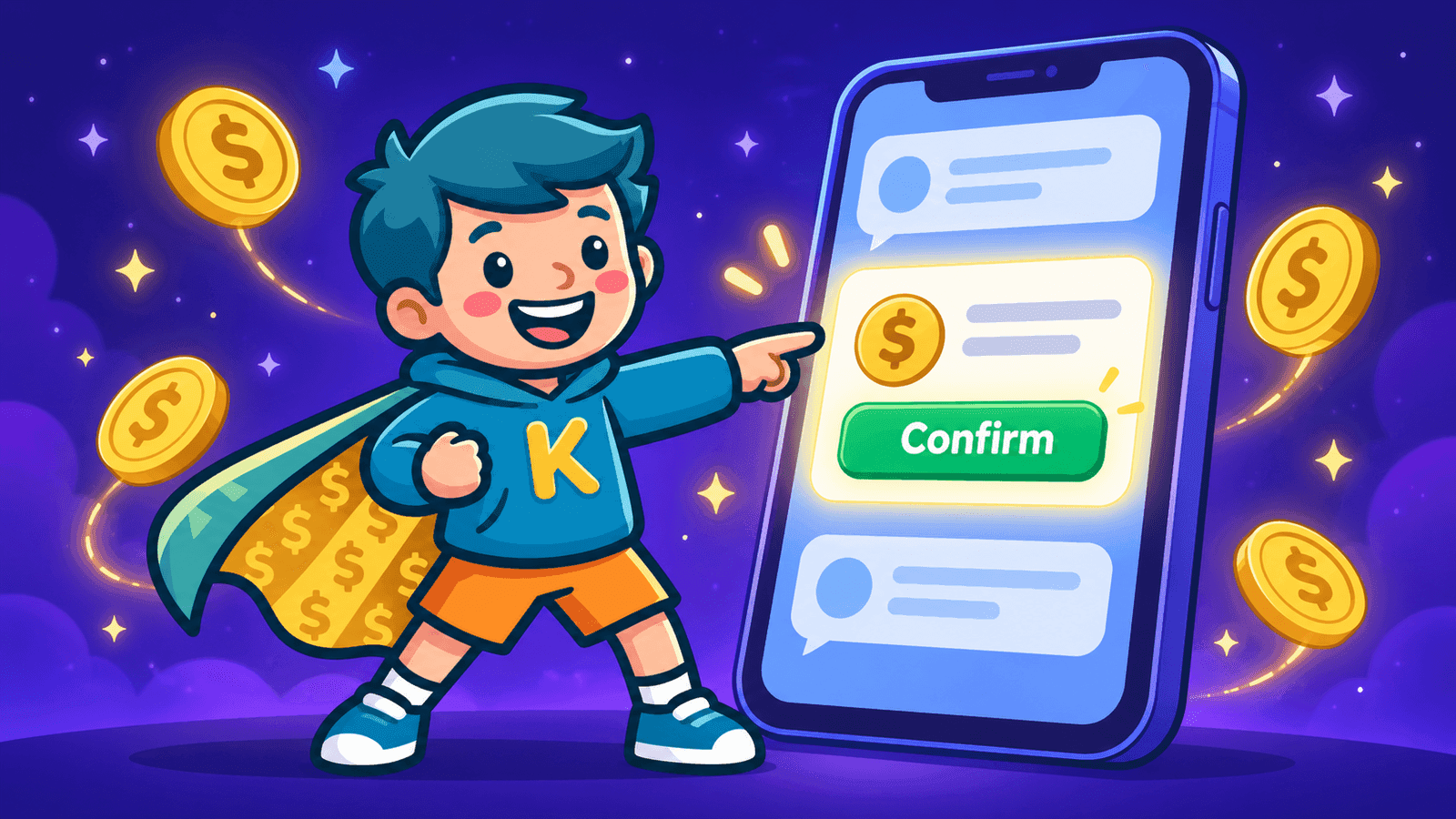
Just Ask Cash: Run KidCash in Plain Words
Cash, the KidCash assistant, can now make changes for you. Type "take $5 from all my kids" or "add a chore for Maya", check the card, and tap Confirm.
Some weeks the allowance app is the last thing you want to click through. Somebody broke a lamp, somebody else emptied the dishwasher without being asked, and grandma wants to know how close Maya is to that bike.
Now you can just tell KidCash what happened.
Open the new AI tab (or tap the chat bubble), and type it the way you'd say it:
"Take $5 from all my kids for the broken lamp."
Cash, our mascot and assistant, turns that into a card:
Subtract $5.00 from Maya, Leo and Zeke · 3 kids, $15.00 total · "broken lamp"
Tap Confirm and it's done. Tap Cancel and nothing happens.
What you can ask Cash to do
Cash can do nearly everything you'd normally do from the dashboard:
Move money
"Give Leo $3 for mowing the lawn." "Take $2 from everyone except Maya." "Move $10 from Zeke to Leo, he owes him for the game."
Set up allowance and interest
"Give Maya $7 every Sunday." "Pay Leo 5% interest on savings every month."
Chores
"Add a chore for Maya: feed the dog, $1, every day." "Approve Leo's chores."
Kids, goals and wishlists
"Add a kid named Rafi." "Add a savings goal for Zeke: a new bike, $120." "Put roller skates on Maya's wishlist."
Questions
Cash still answers questions about the app, and it can look things up for you too:
"What did Zeke spend this month?" "Who has the most saved?"
You always get the last word
Every change shows up as a card first, with exactly who it affects, how much, and the note. Nothing changes until you tap Confirm, and a few safeguards sit behind that button:
- Your lock still applies. If you've turned on the Security lock (Settings → Account → Security), money changes ask for your PIN or Face ID, exactly like the dashboard buttons.
- Warnings show up on the card. If a subtraction would take a kid below zero, the card says so before you confirm.
- Cards expire. A card left sitting for 10 minutes has to be asked for again, because balances may have moved in the meantime.
- Each card works once. A confirmed card can't be tapped again by accident.
Cash sticks to the everyday stuff. Account settings, the lock itself, API keys and printable bills stay in Settings, where you change them on purpose.
Where to find it
Cash is available to every signed-in parent, on every plan:
- iPhone and Android apps: the AI tab in the bottom bar opens Cash full screen.
- On the web: the chat bubble in the corner of your dashboard, with a full-screen button in its header.
Cash only appears in parent views. Kids signed in with their PIN never see it.
Why we built it
The most common KidCash moments are small and happen in the middle of something else: in the car, at the dinner table, right after the lamp hits the floor. Typing one sentence is faster than finding the right kid, the right button and the right amount, especially when the change covers three kids at once.
Give it a try, and if Cash gets something wrong, reply to any KidCash email and tell us what you typed. A real person reads every one.
Stay in the loop
We ship new free guides, printables, and the occasional deal — roughly twice a month. No spam, unsubscribe anytime.
Three streams available: 30-day welcome series, biweekly newsletter, and (opt-in) daily blog posts. Pick which you want after signing up. One click to unsubscribe from any.