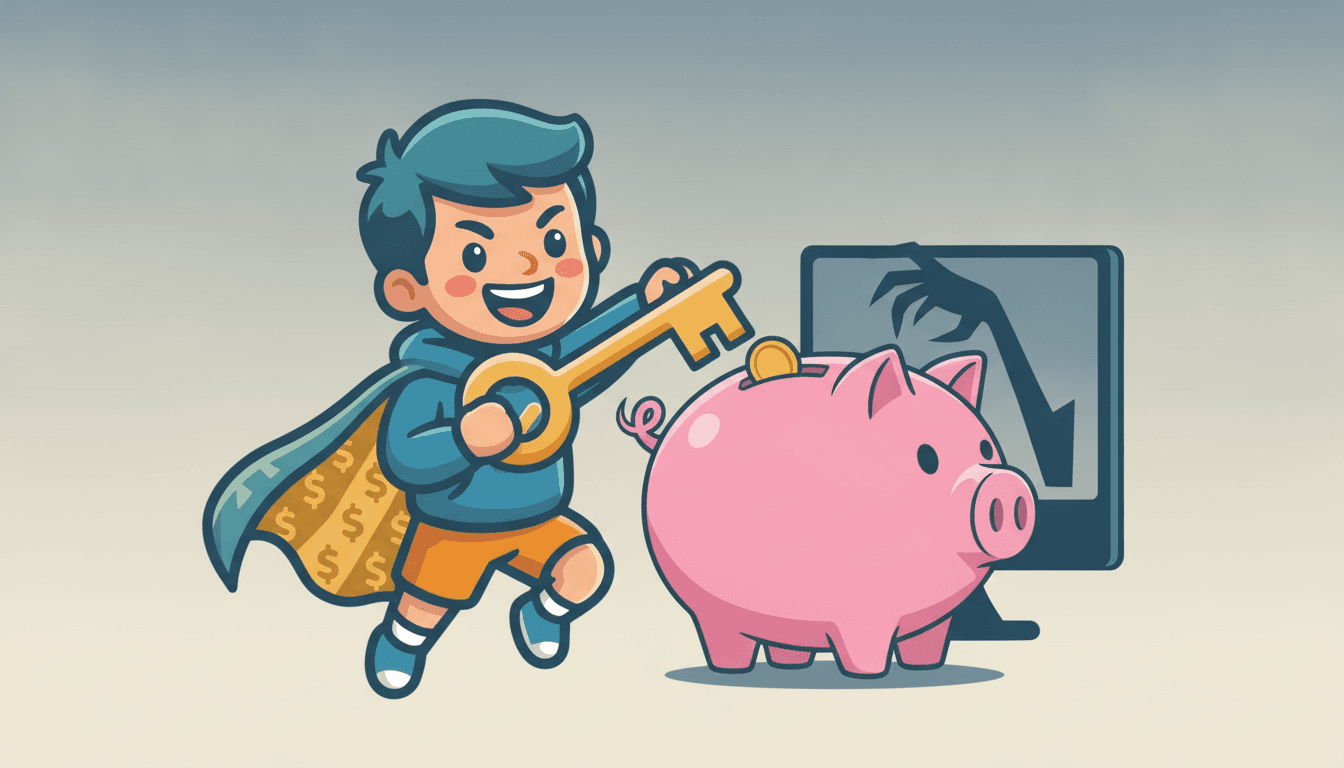
Whoops! When Computer Code Has a Secret Backdoor
A recent computer code discovery shows why it's important to be careful about where you get your digital tools and how you protect your online money.
Inspired by: Backdoor in Claude Code for VS Code extension on the Cursor Marketplace
Have you ever downloaded a game or an app and wondered if it was really safe? Well, a big story on the internet today is about something called a "backdoor" found in a computer code extension. It sounds super techy, but imagine someone leaving a secret, unlocked side door to your house that you didn't even know was there. That's kind of what happened with this code for a popular computer program!
This specific news, about a backdoor in the Claude Code for VS Code extension on the Cursor Marketplace, means that someone could potentially get into other people's computers without them knowing. It's a bit like a sneaky trick, and it reminds us all about how important it is to be smart and safe in our digital lives, especially when money is involved.
Digital Doors and Your Dollars
Think about all the ways you might use computers or phones that involve money. Maybe you buy a new game, or your parents pay bills online, or you even have a digital allowance that gets sent to your account. All these things rely on computer code being safe and secure.
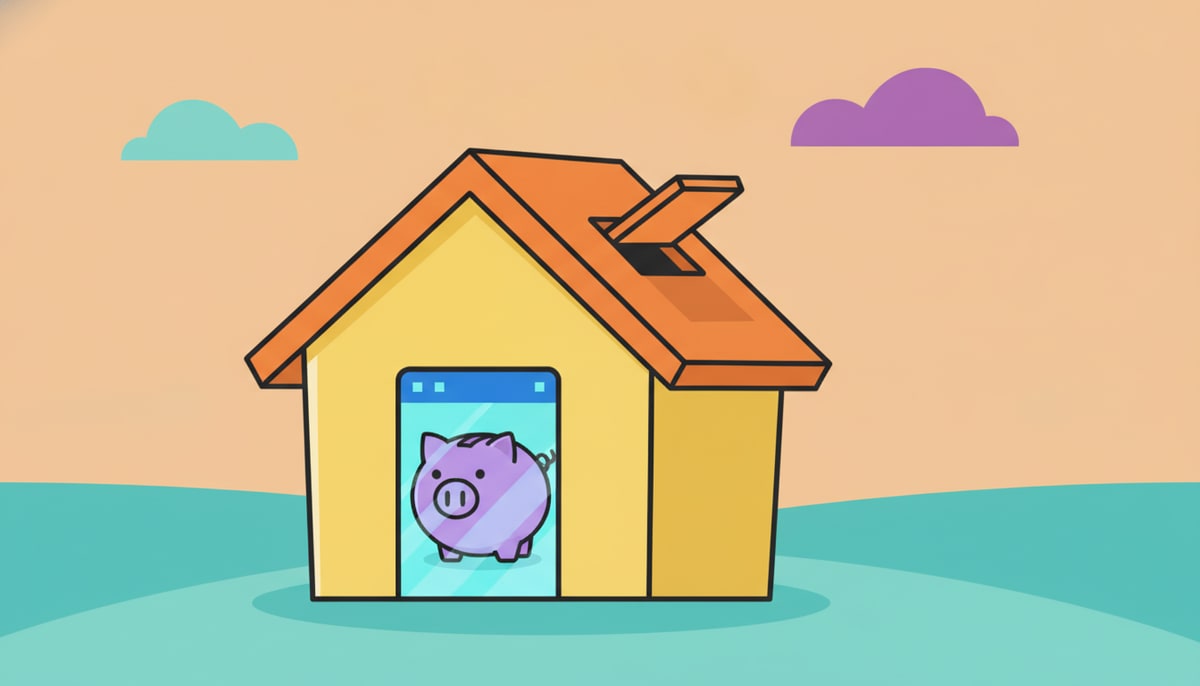
When there's a "backdoor" or a weakness, it's like someone could sneak in and mess with those digital transactions or even try to get information that could lead to your money. This isn't just about big companies; it's about everyone who uses technology. Even if you're just playing a game, if that game has a weakness, it could be a pathway for someone to cause trouble.
Being a Digital Detective: Spotting the Safe Stuff
So, what can you do? You don't need to become a cybersecurity expert overnight, but you can be a "digital detective" and learn to spot safer choices.
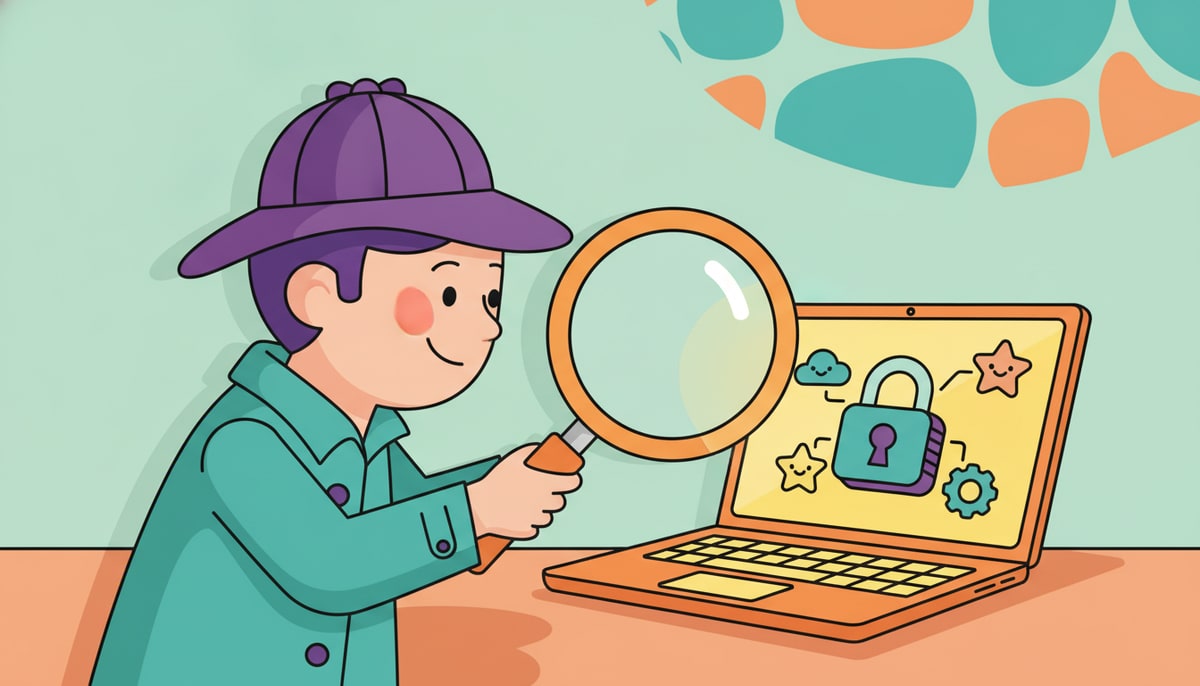
- Only Download from Trusted Places: Just like you wouldn't take candy from a stranger, don't download apps or games from websites you don't know or trust. Stick to official app stores (like Apple App Store or Google Play) or well-known, reputable websites. These places usually have security checks to catch problems.
- Read Reviews (and Ask for Help!): Before you download something new, take a quick look at the reviews. Do other people say it's good and safe? If something looks too good to be true, it probably is. And if you're ever unsure, always ask a parent or trusted adult for help. They can often tell if something is fishy.
- Keep Your Software Updated: Those annoying "update your software" notifications? They're actually super important! Updates often fix security holes and backdoors, making your devices safer. It's like patching up that secret side door so no one can sneak in anymore.
- Strong Passwords are Your Digital Locks: Imagine your passwords as strong locks on all your digital doors. Don't use easy-to-guess passwords like "123456" or your birthday. Make them long, mix in numbers and symbols, and don't use the same password for everything!
Why This Matters for Your Money
Learning about these kinds of digital safety issues now, even when you're young, sets you up for smart money habits in the future. As you get older, you'll likely have more digital money (maybe a debit card, online banking, or even digital investments). Knowing how to protect yourself online will be just as important as knowing how to save your allowance. It's all about making informed choices to keep your hard-earned money safe, whether it's in your piggy bank or in the cloud!
P.S. This week, sit down with your kids and talk about one app or game they use regularly. Look at where it was downloaded from and check out some of its reviews together. It's a great way to start a conversation about digital safety!
Stay in the loop
We ship new free guides, printables, and the occasional deal — roughly twice a month. No spam, unsubscribe anytime.
Three streams available: 30-day welcome series, biweekly newsletter, and (opt-in) daily blog posts. Pick which you want after signing up. One click to unsubscribe from any.