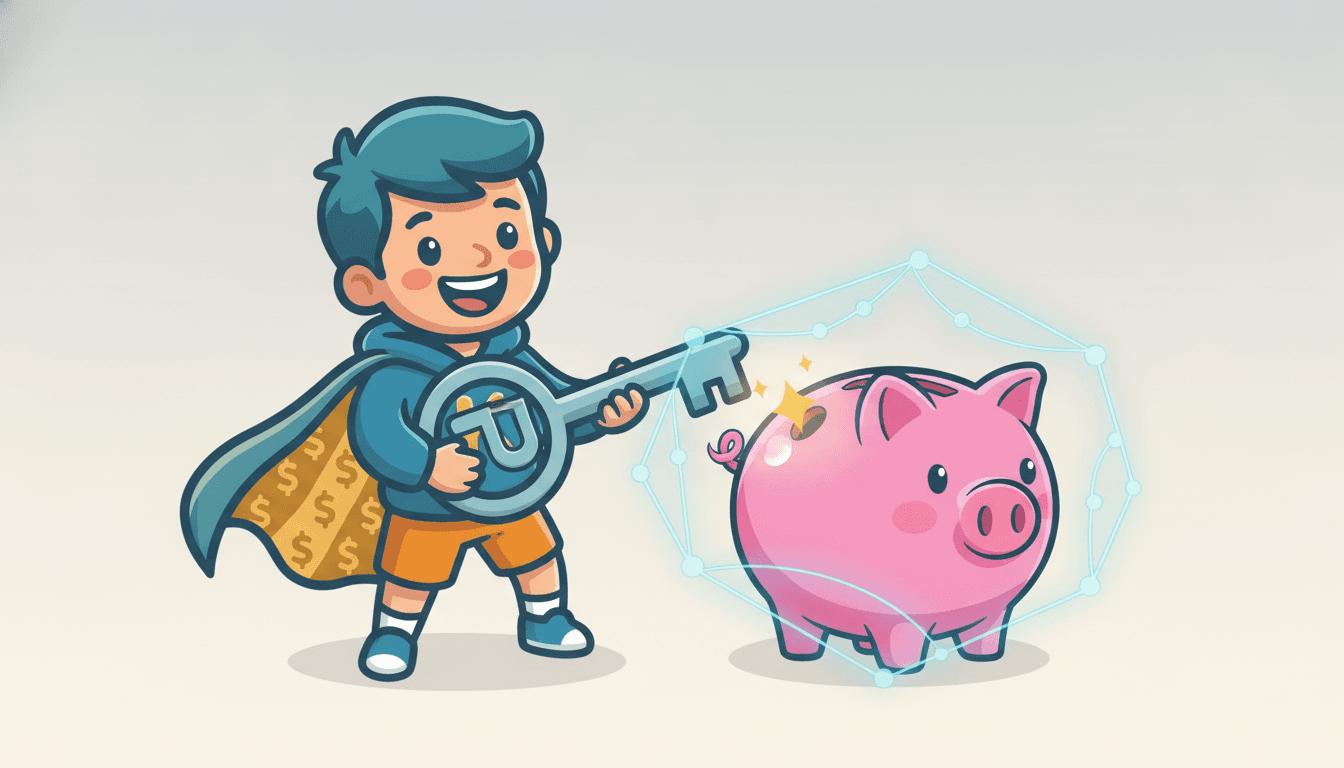
Passkeys: The New Way to Log In? What It Means for Your Money
Everyone's talking about passkeys! Learn how this new way to log in can keep your digital piggy bank safe and sound.
Inspired by: Passkeys are a trap
Have you heard about "passkeys"? It's a hot topic today, with some tech experts on Hacker News even calling them a "trap." But what exactly are they, and why should you and your family care, especially when it comes to your money?
Imagine a world where you don't need to remember a million different passwords for all your online accounts – your favorite games, streaming services, or even your parents' banking apps. That's the idea behind passkeys. Instead of a secret word you type, a passkey uses something unique to you, like your fingerprint, face scan, or a special code on your phone, to prove it's really you trying to log in. It's designed to be much more secure and harder for bad guys (hackers!) to steal than traditional passwords.
Passkeys: The Good and the Tricky
On the one hand, passkeys promise to make our online lives easier and safer. No more forgotten passwords or weak passwords that are easy to guess. This is super important because almost everything we do these days involves money in some way online. Think about ordering a pizza, buying a new toy, or even just checking your allowance balance – it all requires logging in somewhere. If a hacker gets into one of your accounts, they could potentially get access to your money or your family's money.
The "trap" part that some people are discussing isn't that passkeys are bad, but more about how they're being rolled out and whether we fully understand them yet. It's like getting a brand new, super-cool bike. It's awesome, but you still need to learn how to ride it safely and understand all its features before you zoom down a big hill! Some people worry that if you don't understand how passkeys work, you might accidentally lock yourself out of your accounts or trust the wrong website.
Your Digital Piggy Bank Needs Protecting
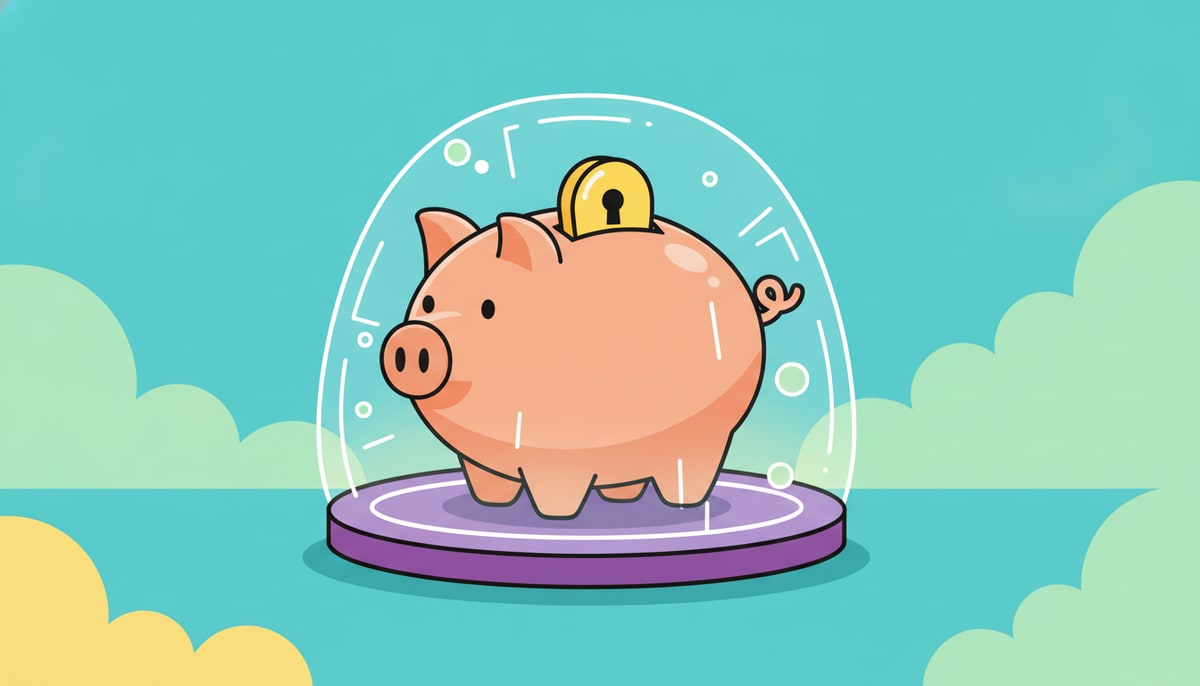
So, what's the money lesson here for kids? It's all about digital security and protecting your digital money. Just like you wouldn't leave your physical piggy bank sitting open on the sidewalk, you shouldn't leave your online accounts unprotected.
Here are a few things you can do, whether you're using passkeys or good old passwords:
- Be a Super Sleuth: Always double-check that you're on the real website or app before you log in. Look for the little padlock symbol in the web address bar. If something looks fishy (like a strange spelling or a weird-looking logo), ask a parent. Scammers often create fake websites that look real to trick you into giving them your login info.
- Strong Passwords (if you're still using them): If you're not using passkeys yet, make sure your passwords are like secret codes that are hard to crack! Use a mix of uppercase and lowercase letters, numbers, and symbols. Never use your birthday or "password123."
- Think Before You Click: Be careful about clicking on links in emails or messages from people you don't know, even if they look like they're from a company you recognize. They could be trying to trick you into giving away your information.
- Talk to Your Parents: The best defense is to talk openly with your parents about online safety. If you ever see something online that makes you feel weird or unsure, tell them! They can help you understand what's safe and what's not.
As technology changes, so do the ways we need to protect our money and information. Learning about things like passkeys now helps you become a super-smart digital citizen who knows how to keep their financial future safe.
P.S. Parents, take a few minutes this week to talk with your kids about a recent online interaction they had. Did they log into a game? Buy something online? Use that as a springboard to discuss how they know the site was legitimate and what steps they took to protect their information.
Stay in the loop
We ship new free guides, printables, and the occasional deal — roughly twice a month. No spam, unsubscribe anytime.
Three streams available: 30-day welcome series, biweekly newsletter, and (opt-in) daily blog posts. Pick which you want after signing up. One click to unsubscribe from any.